Money transfers from Russia to Kazakhstan
Send transfers to any banks of the Republic of Kazakhstan
Transfers from Kazakhstan
Dear customers! Unfortunately, cash payout transfers are temporarily unavailable at the moment. We apologize for the temporary inconvenience; the service will be restored shortly.
Using the KWIKPAY app you can:
- Make money transfers
- Top up cards, bank accounts, and e-wallets
- Pay for transfers and services from Russian bank cards
- Issue a virtual QUICKPAY card for profitable money transfers and payments without visiting the office
- Track your money transfer
- Pay for international services

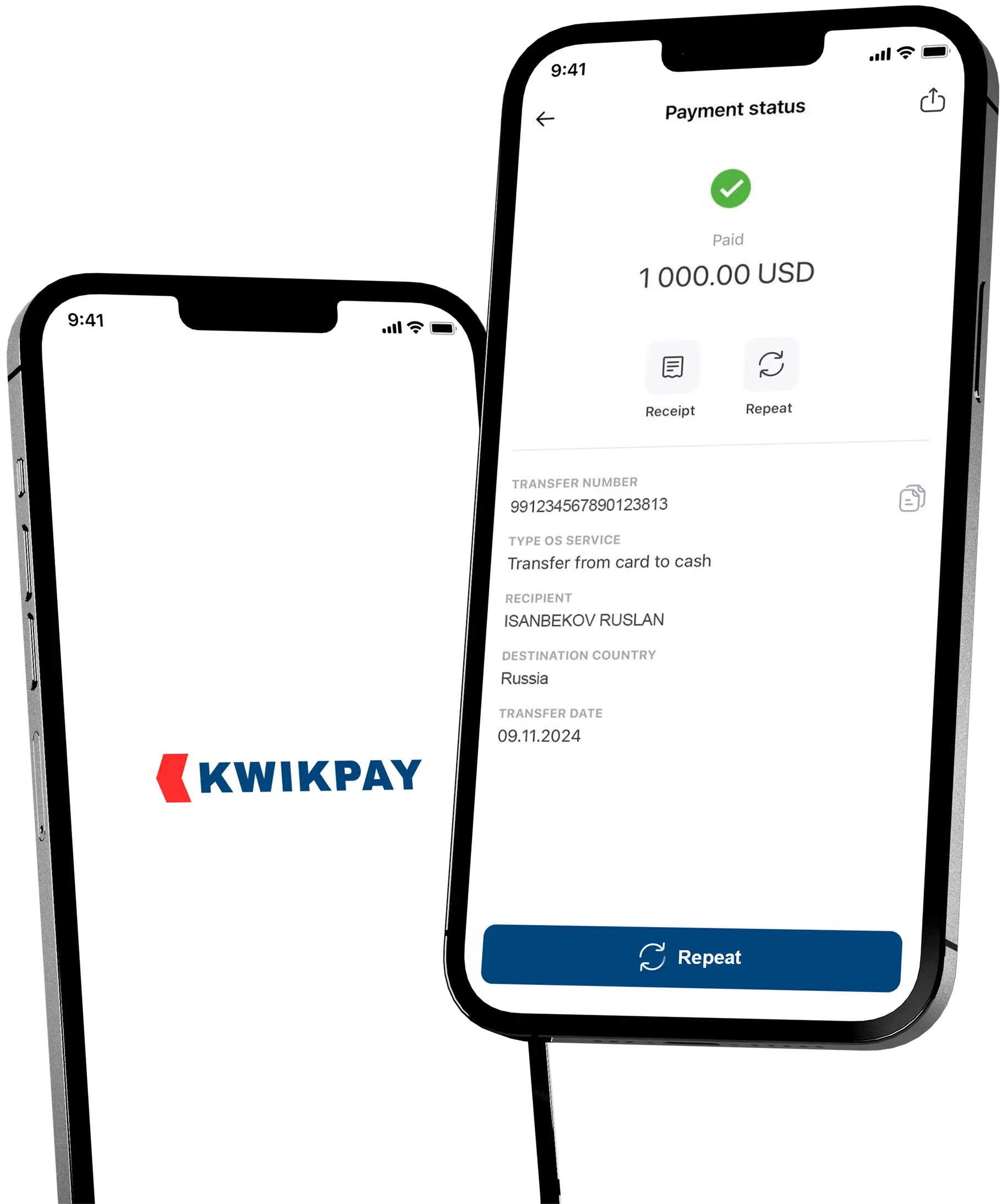
Low cost money transfers from a KWIKPAY card
Learn more about the KWIKPAY card
Download the KWIKPAY app to your mobile device and apply for an instant virtual card without visiting the office.
Learn more about the KWIKPAY card
How to transfer money to Kazakhstan online?
-
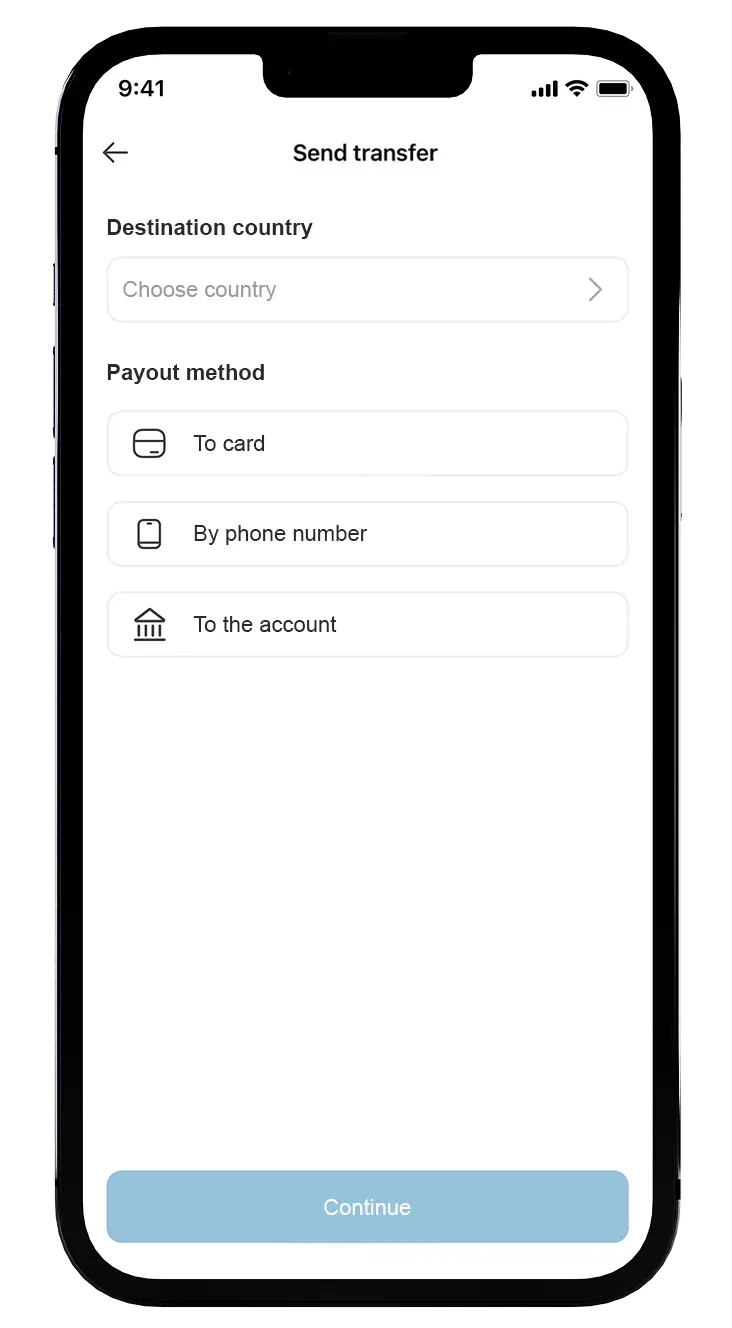
1
Select Country and Type of Payment
From the list, select the country for the money transfer “Kazakhstan“. Specify the payment type “To card“. -
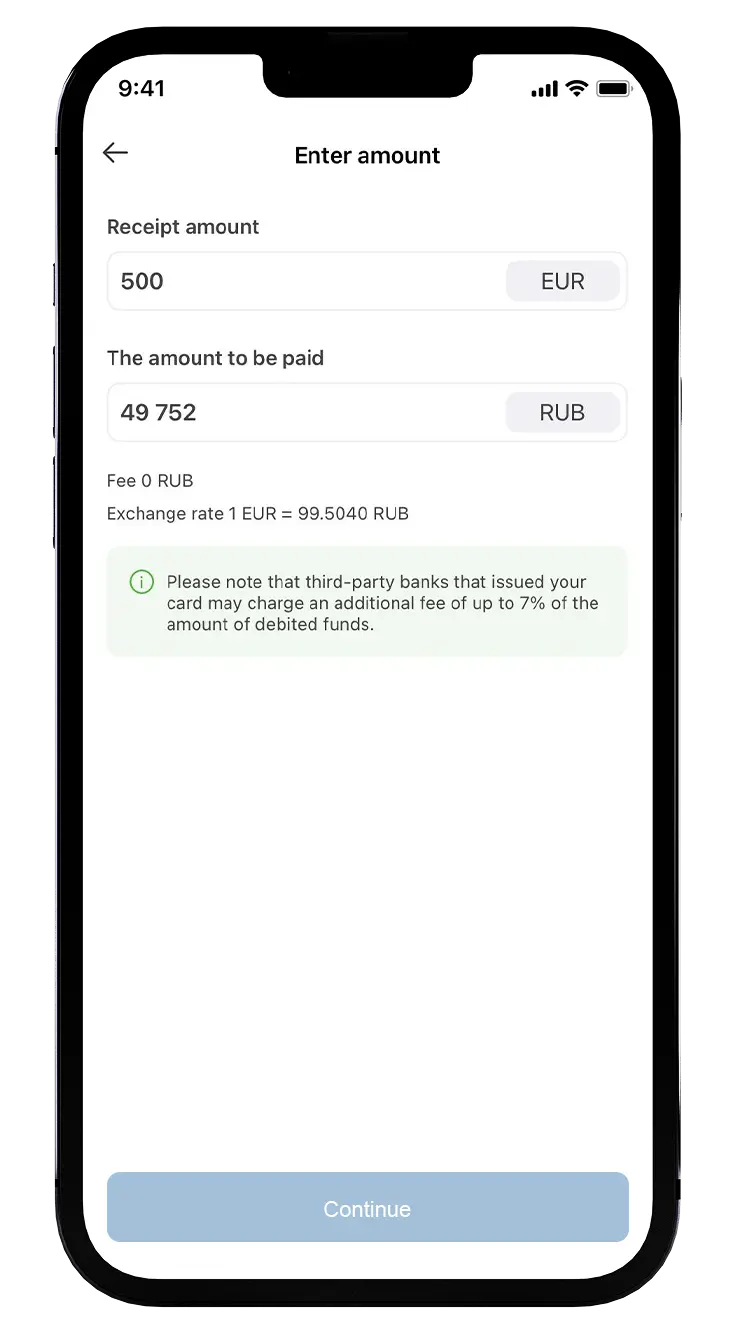
2
Specify the amount and data to send.
Tap the type of credit card and recipient`s details, enter the amount of receipt. -
3
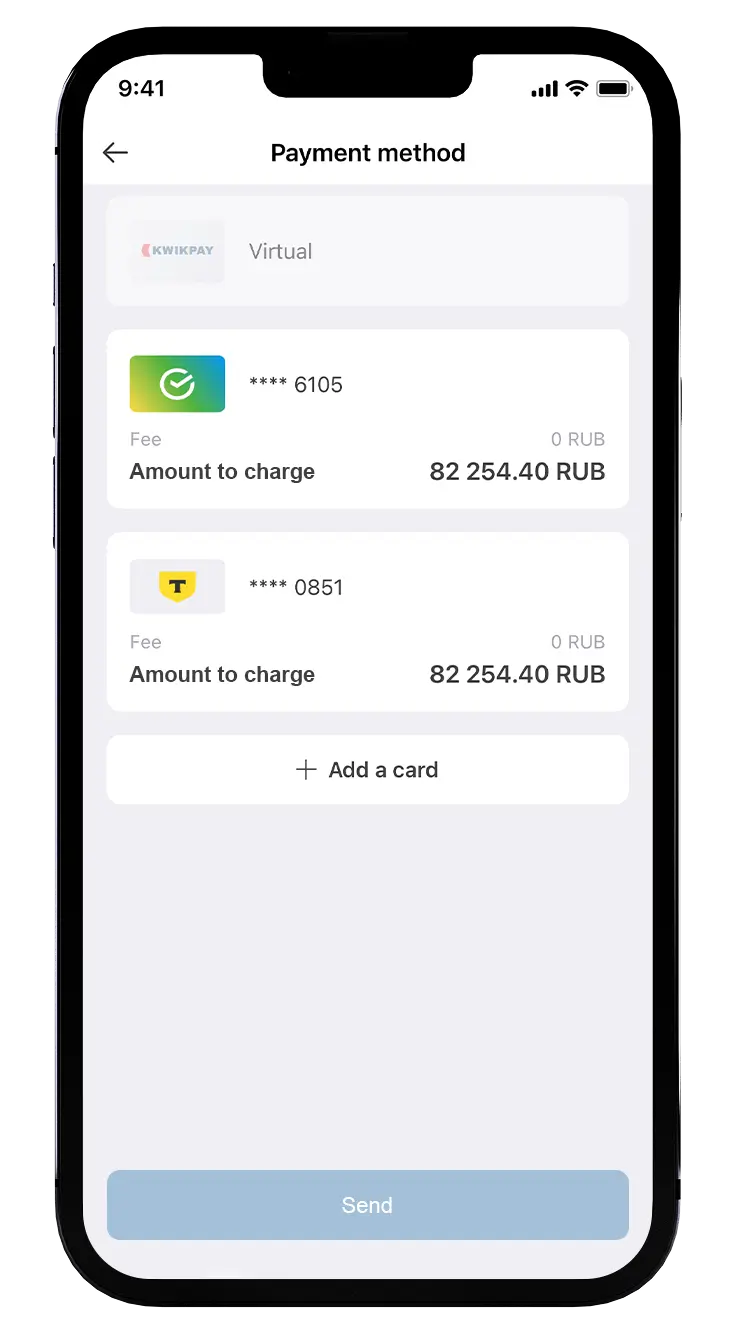
Choose a payment method
If all the data is correct, pay for the transfer using a card issued by a Russian bank.
Questions and Answers
If you didn’t find an answer to your question, please contact our support service +7 (495) 198-55-55 or .
How to send the transfer to Kazakhstan?
You can send the transfer without commission through the KWIKPAY application.
How to pay for the transfer?
You can pay for the transfer using cards issued by Russian banks.
What is the limit for transfers to Kazakhstan?
The maximum amount of a one–time transfer is 500,000 Tenge.
What is the commission for transfers?
0% commission
How to download the KWIKPAY app?
You can download the KWIKPAY mobile application in the App Store or Google Play. To install the application on your HONOR or HUAWEI phone, you need to download it from the AppGallery. Our application is also available in RuMarket, RuStore, Nashstore.
Do you have any questions?
If you have not found the answer to your question, please contact support +7 (495) 198-55-55 or .