International money transfers from Russia to South Korea
Make fast and secure KRW money transfers to bank accounts opened with South Korea's banks.
Using the KWIKPAY app you can:
- Make money transfers
- Top up cards, bank accounts, and e-wallets
- Pay for transfers and services from Russian bank cards
- Track your money transfer
- Pay for international services

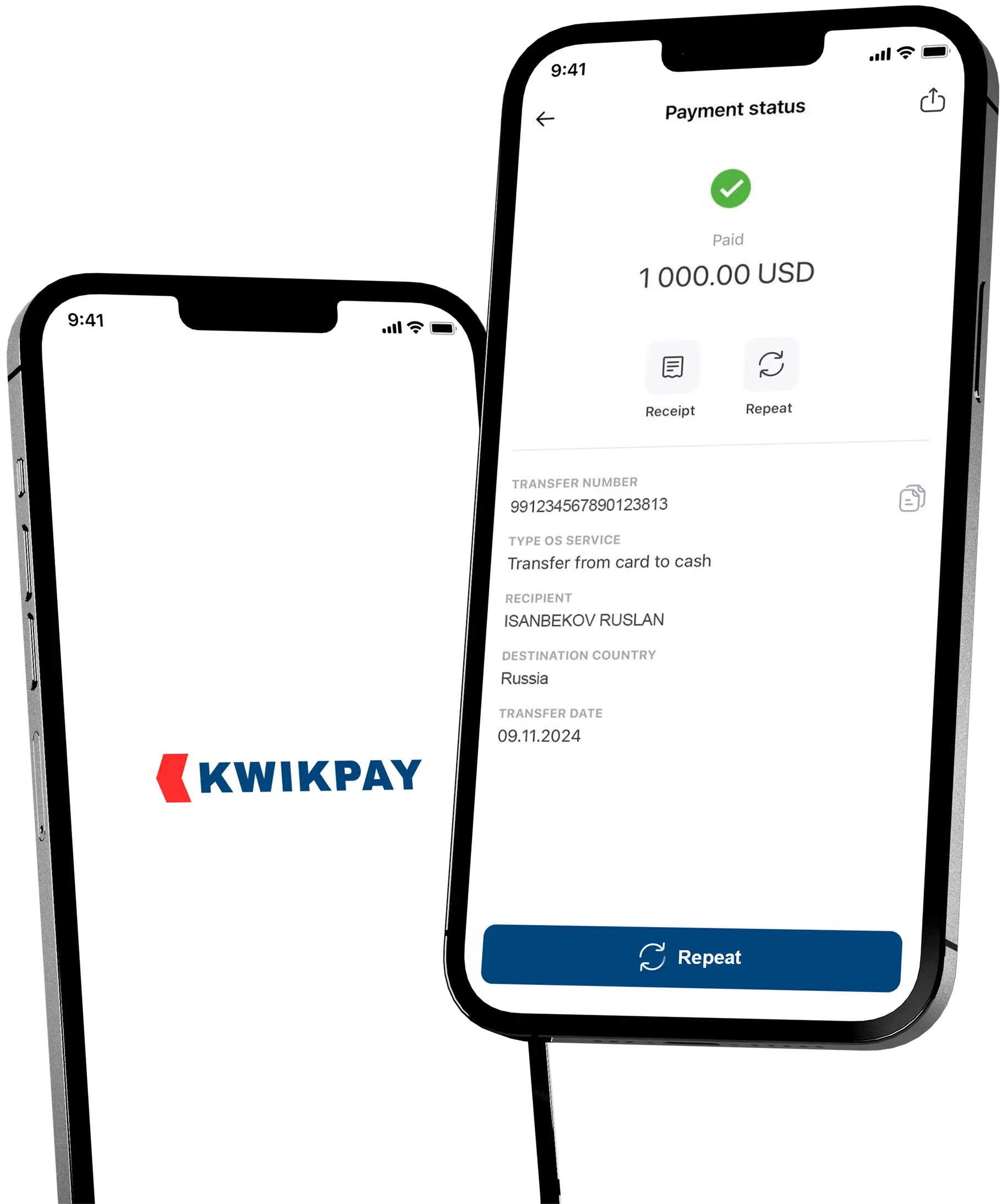
Low cost money transfers from a KWIKPAY card
Download the KWIKPAY app to your mobile device and apply for an instant virtual card without visiting the office.
How to make a transfer via the kwikpay app?
-
1
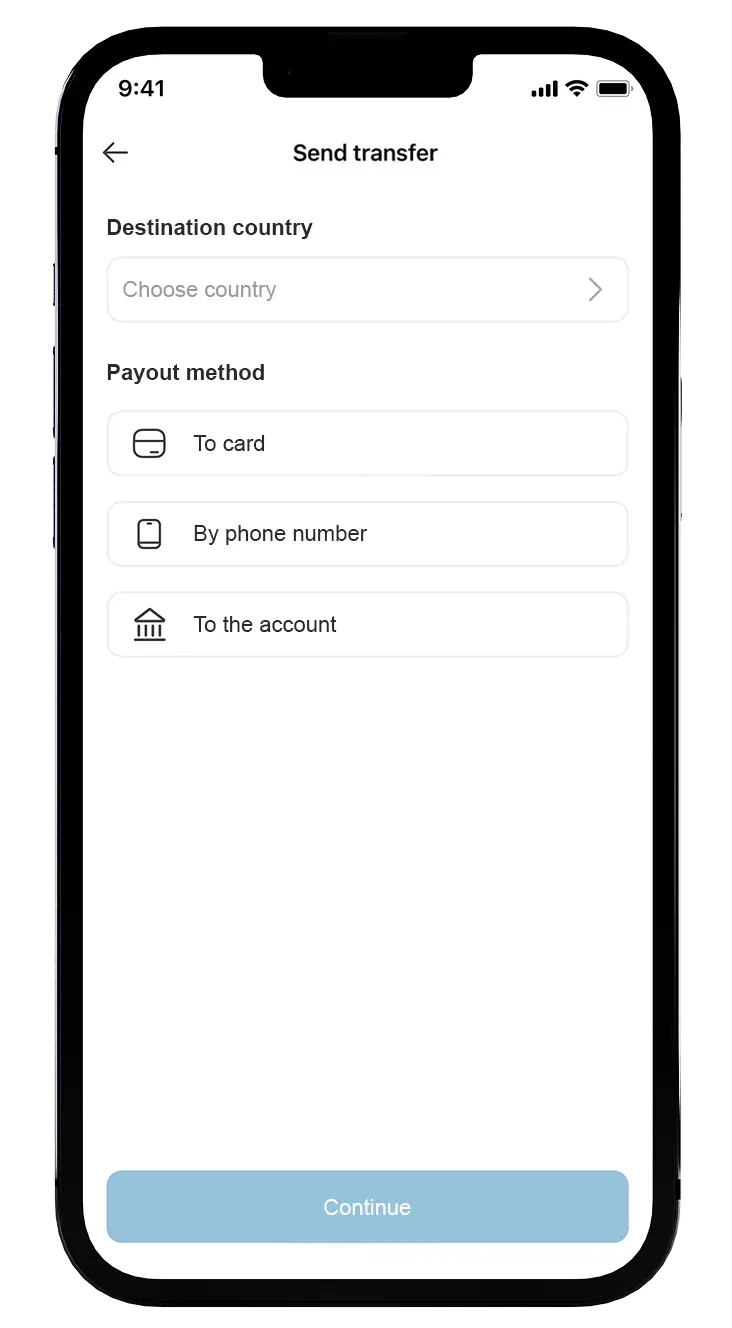
Select country and payout type
Select the country for your money transfer from the list and choose the payout type — «By account number» or «E9pay number». -
2
Specify the data to send
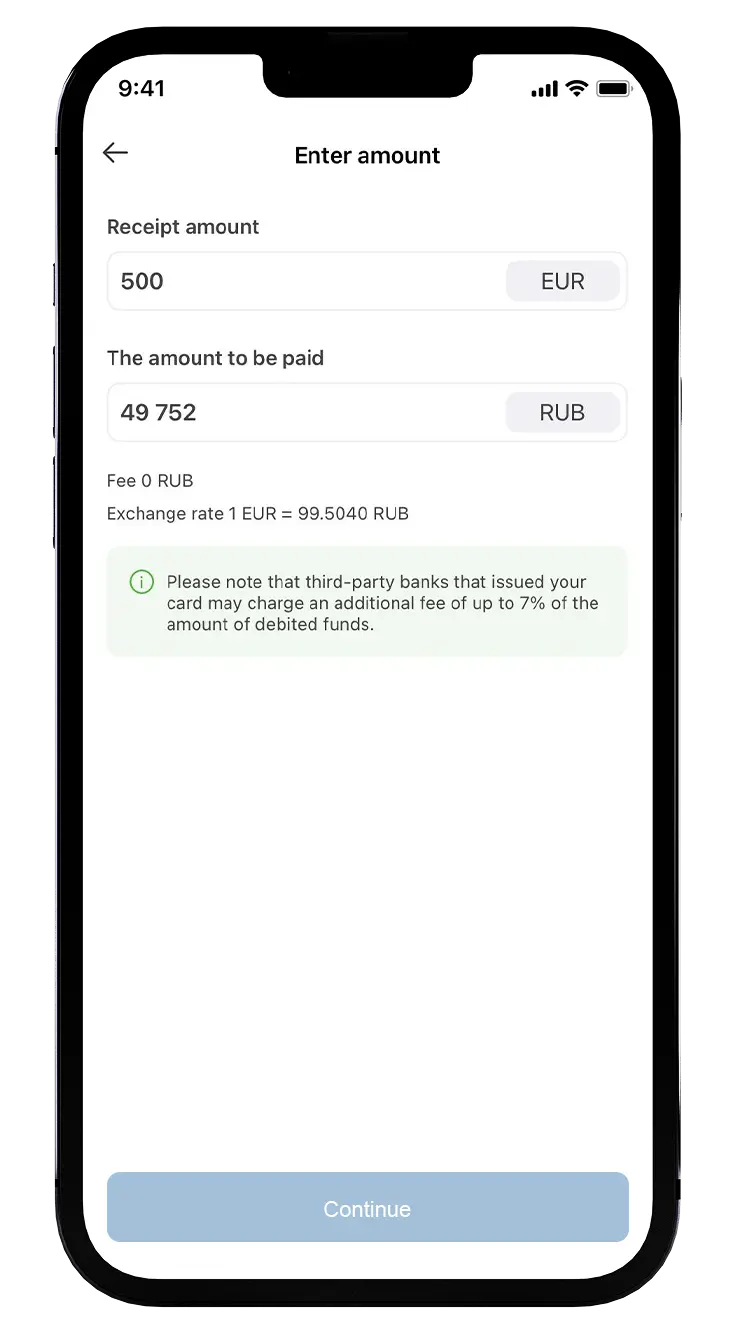
«By account number»: specify the bank name, account number and recipient details, enter the payout amount;
«E9pay number»: provide the E9pay number and enter the payout amount. -
3
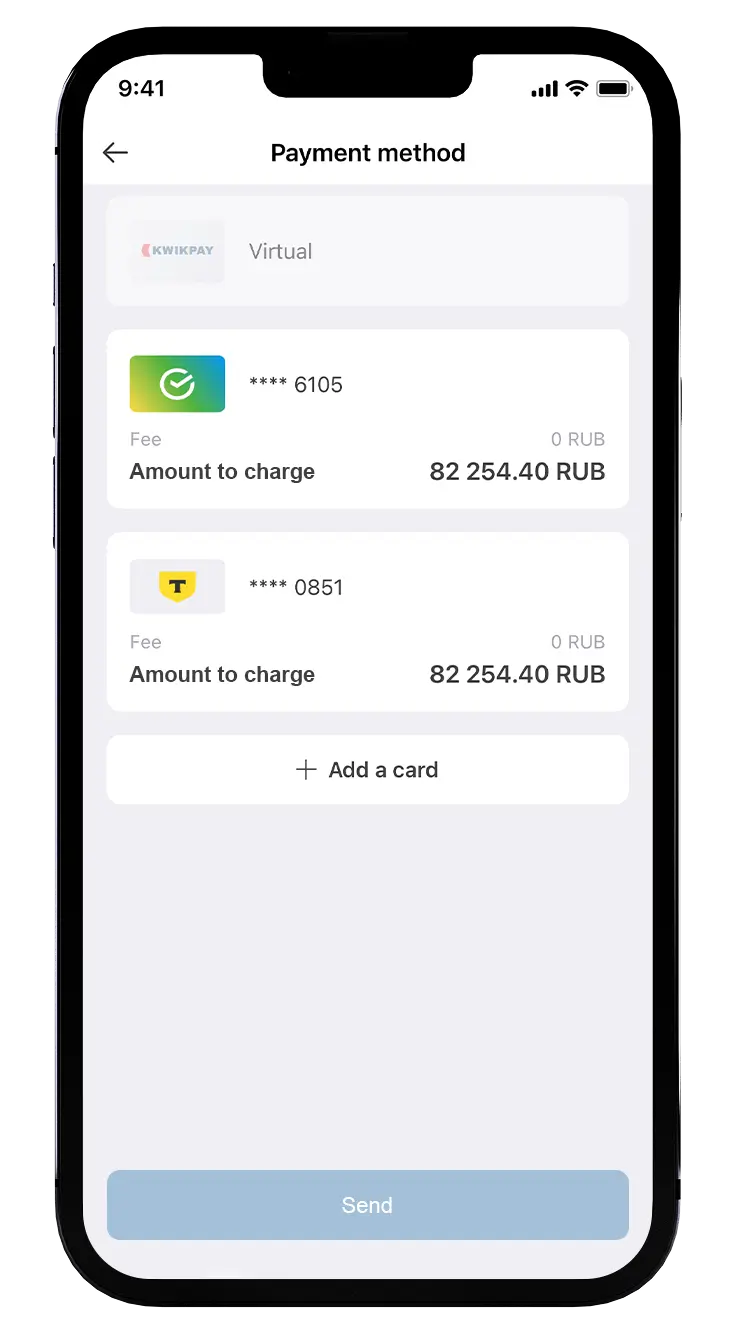
Choose the payment method
If all details are correct, complete the transfer using Visa, Mastercard, Mir or Maestro cards issued by any Russian bank without restrictions.
Questions and Answers
If you sent a transfer of 1,000,000 KRW or more by account number for the first time, ask the recipient to periodically check for SMS messages to his phone number, provided for the transfer. To complete the transfer, they will receive an SMS asking to fill out a form. After doing it, the transfer will arrive within 5 minutes. If you realize that the phone number was entered incorrectly, text our support and provide a new phone number. This verification must be completed within 15 days from the receipt of the message, after which the transfer will be rejected. For subsequent transfers to the same recipient, you won’t need to complete it again.
If you sent a transfer through a E9Pay Recipient ID number, its status is «issued» but the money has not yet arrived, check the following:
- Contact the transfer recipient and check whether they have completed account/wallet verification. In the wallet settings, go to the «identity verification», «wallet verification» section, or contact support for clarification. Wallets without verification may have restrictions on receiving such transfers;
- Ask the recipient whether there are any restrictions on their name/account/wallet for receiving transfers under applicable law, whether the daily/monthly crediting limit has been exceeded, or whether top-up is restricted. Make sure the transfer is to an individual's account, a debit account, and that the terms of their agreement allow that kind of top-ups (money transfers);
- Carefully check every character of the recipient's account details: Recipient ID number, receiving bank name, etc.