International money transfers to Mongolia
Cost-effective money transfers to Mongolia
Transfers from Mongolia
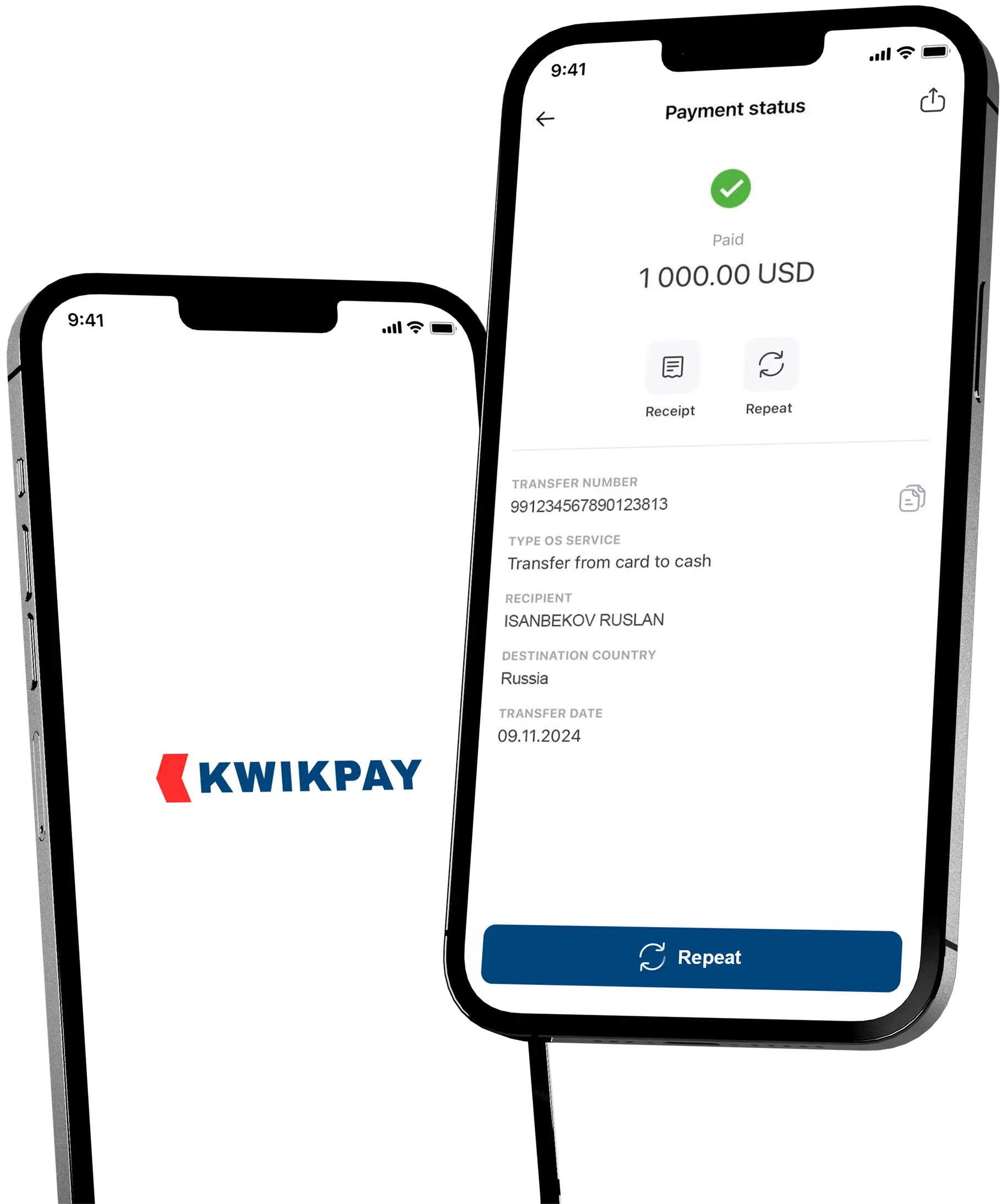
Using the KWIKPAY app you can:
- Make money transfers
- Top up cards, bank accounts, and e-wallets
- Pay for transfers and services from Russian bank cards
- Track your money transfer
- Pay for international services

Low cost money transfers from a KWIKPAY card
Learn more about the KWIKPAY card
Download the KWIKPAY app to your mobile device and apply for an instant virtual card without visiting the office.
Learn more about the KWIKPAY card
How to transfer money to Mongolia online?
-
1
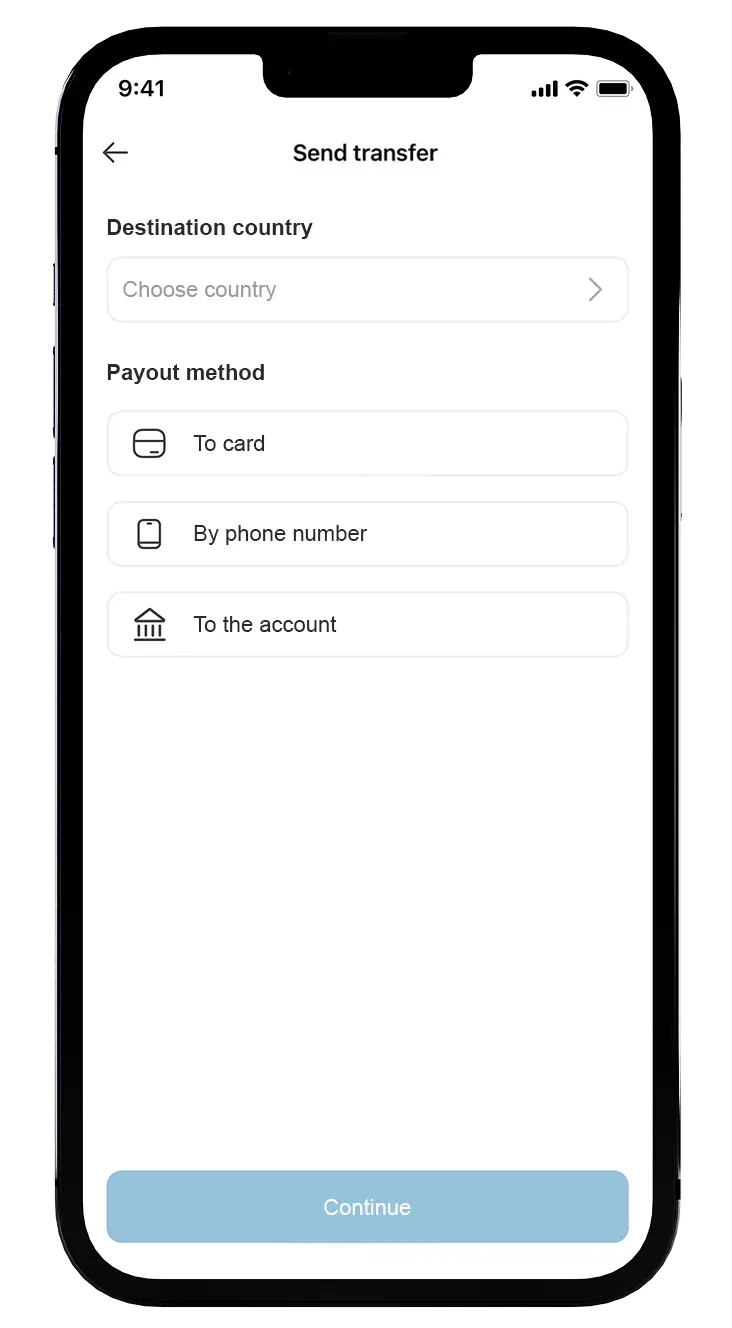
Select the country
Select 'Mongolia' in the list of countries. -
2
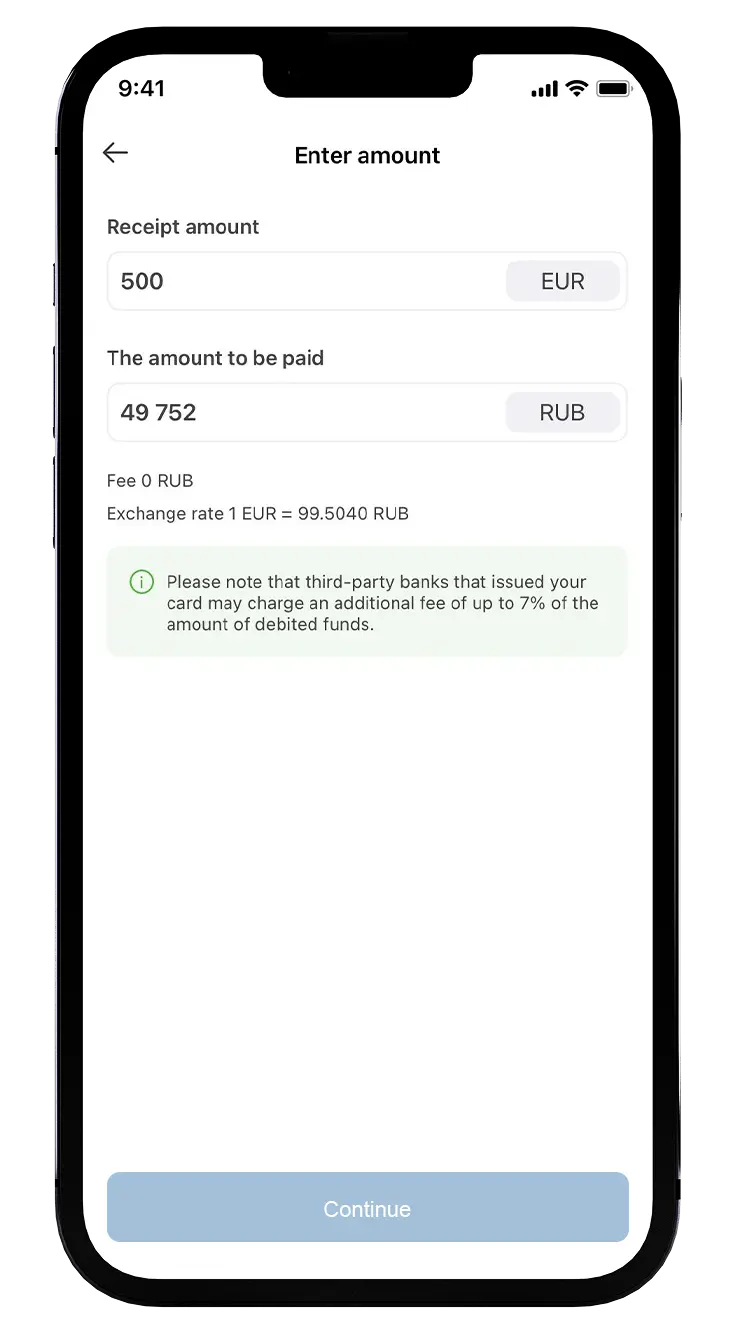
Specify the amount and the data to send
Enter the recipient`s details and amount to be sent. -
3
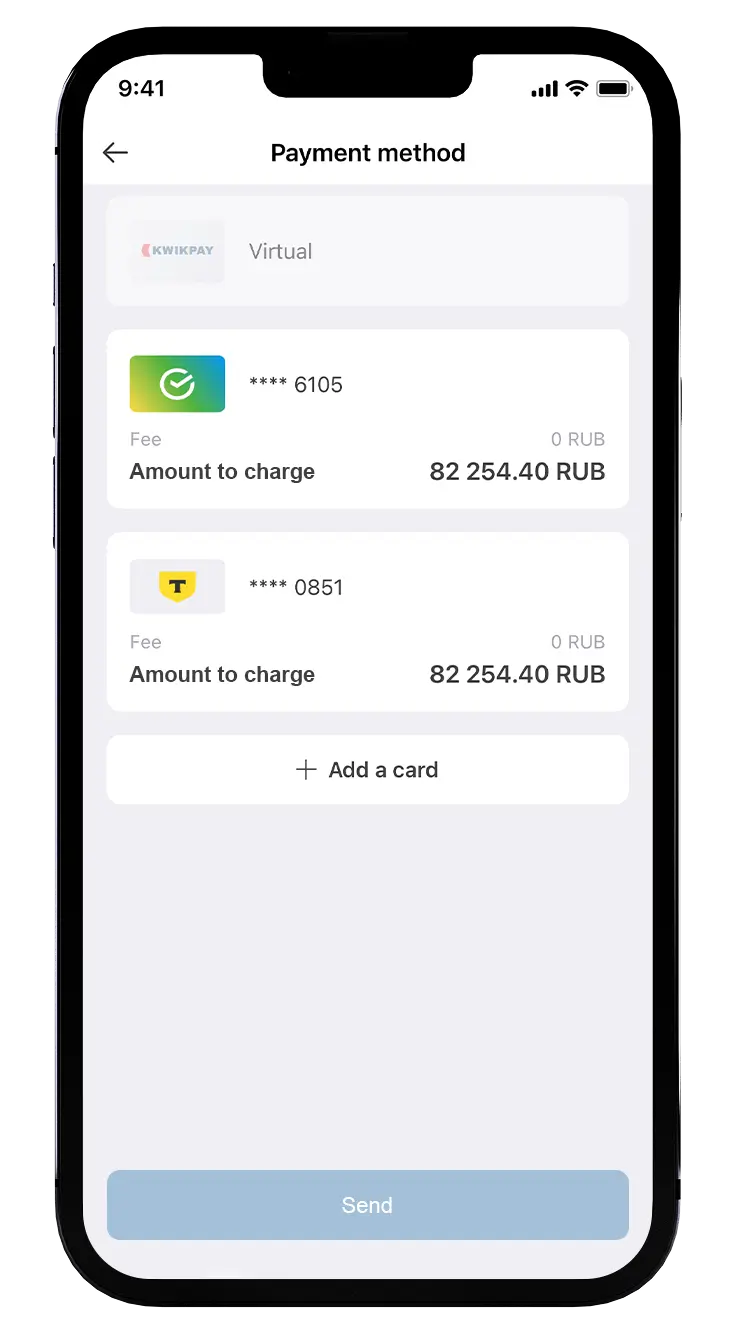
Choose the payment method
If all the data is correct, pay for the transfer using bank card, issued by a Russian bank.
Questions and Answers
If you didn’t find an answer to your question, please contact our support service +7 (495) 198-55-55 or .
From which card is it possible to transfer money?
You can transfer money using Visa, Mastercard, MIR or Maestro cards issued by Russian banks.
In what currency the recipient receive the transfer?
The money transfers are paid out in RUB*. The money transfers may be received in our partner’s locations. You can check the addresses and office hours here, where in the search you can find the country Mongolia and then find the address of a convenient point.
*RUB may be converted in the local currency by the partner
*RUB may be converted in the local currency by the partner
What is the transfer limit to Mongolia?
Maximum money transfer amount is equivalent to 10,000 USD. When sending the money transfer through KWIKPAY mobile app different limits may be applied.
What is the commission for the money transfers from Russia to Mongolia?
In case of non-Fx money transfer (RUB-RUB) the commission is 1,65%
How can I check the money transfer status?
The payment status can be checked in the “History” section of the KWIKPAY mobile application or click on the “Transfer status” button in the main menu of the page