Money transfers to Sri Lanka
Transfer money quickly and securely with KWIKPAY to bank accounts opened with Sri Lanka banks in LKR
Using the KWIKPAY app you can:
- Make money transfers
- Top up cards, bank accounts, and e-wallets
- Pay for transfers and services from Russian bank cards
- Track your money transfer
- Pay for international services

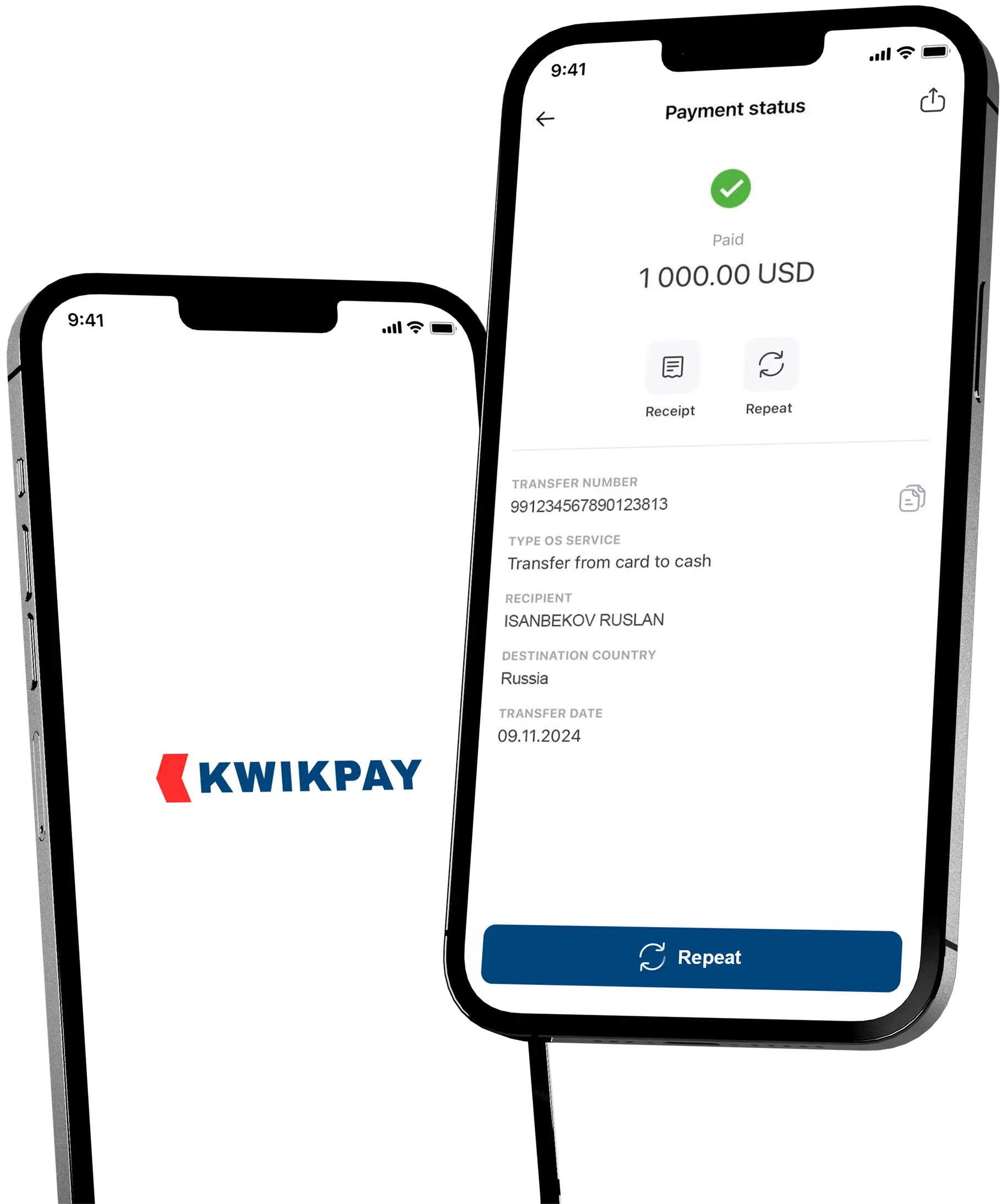
Low cost money transfers from a KWIKPAY card
Learn more about the KWIKPAY card
Download the KWIKPAY app to your mobile device and apply for an instant virtual card without visiting the office.
Learn more about the KWIKPAY card
How to send money on the kwikpay app?
-
1
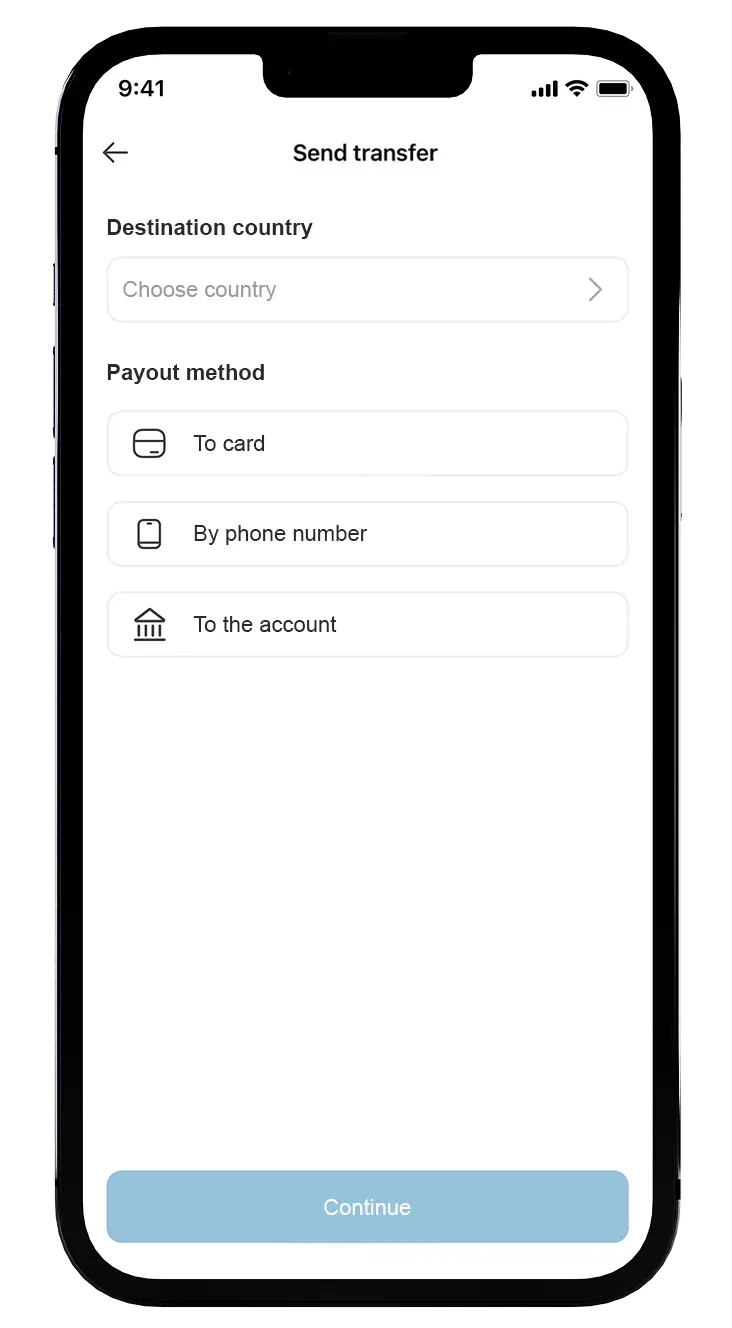
Select the country and the payment type
From the list, select the country to transfer and the payment method — «To accounts». -
2
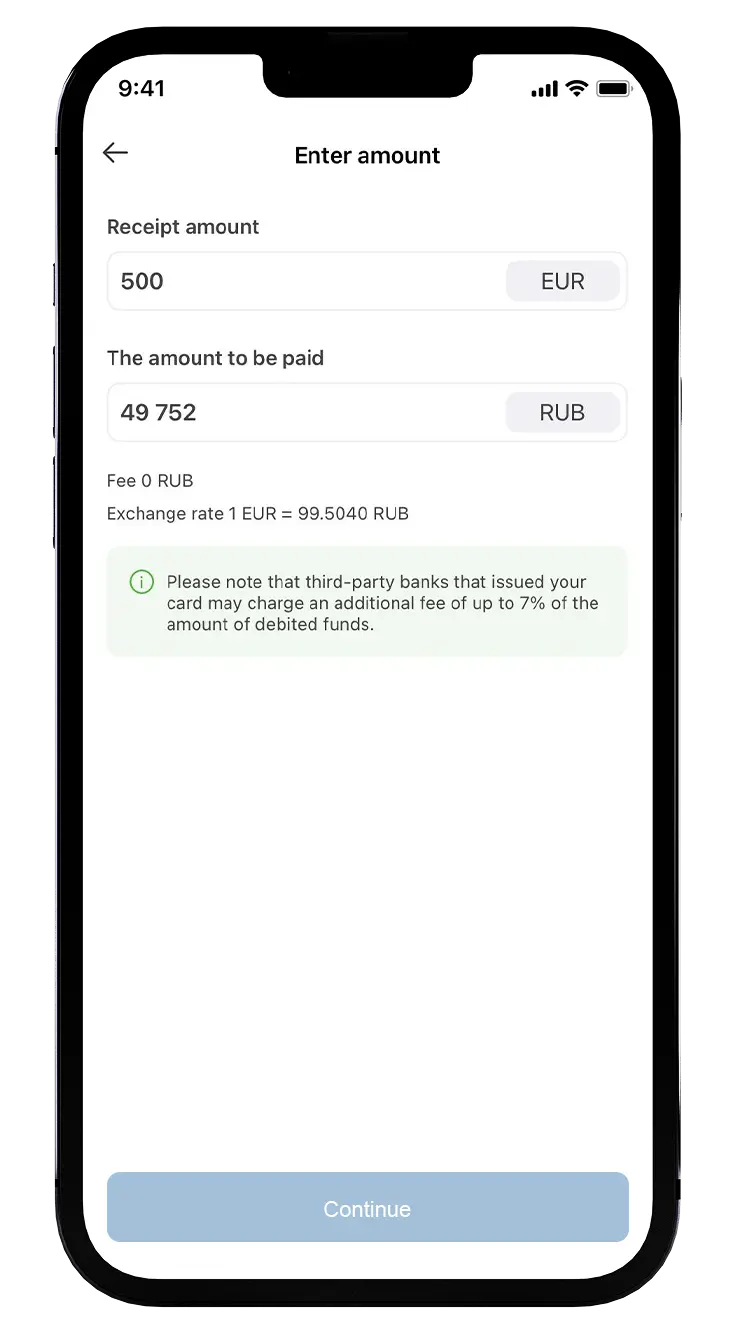
Specify the data to send
Type the beneficiary account number and beneficiary`s details, enter the amount -
3
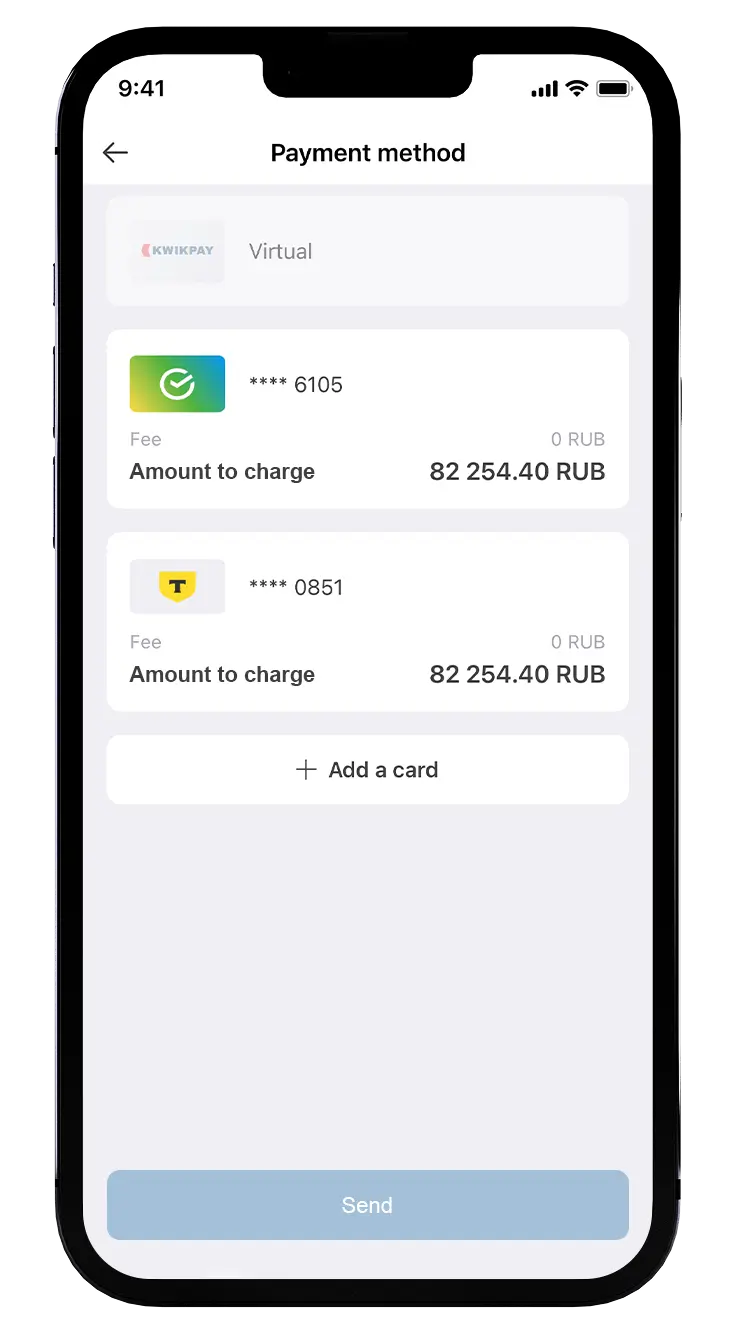
Choose the payment method
If all the data is correct, pay for the transfer using Visa, Mastercard, MIR or Maestro cards issued by Russian banks.
Questions and Answers
If you didn’t find an answer to your question, please contact our support service +7 (495) 198-55-55 or .
From which card is it possible to transfer money?
You could pay for the transfer using Visa, Mastercard, MIR or Maestro cards issued by Russian banks
In what currency will the recipient receive the transfer?
We deliver money to bank accounts opened with Sri Lankan banks in LKR.
How to change the transfer recipient's details?
Unfortunately not. To change the money transfer recipient’s details you would have to recall completed one and send a new money transfer. Therefore, please kindly check the correctness of the name and the surname of the money transfer recipient as well as his/her bank name and account number before submitting the money transfer.
How to check the status of the money transfer?
You could check the status of your money transfer in the “History” section of the KWIKPAY app.
The transfer status is «issued», but the money has not been delivered yet. What should I do?
For transfers to Sri Lanka, this status means that the receiving bank has accepted transfer request. If the money has not arrived, it means that the receiving bank is having difficulties. What can you do:
- Contact the transfer recipient and check whether they have passed account/wallet verification. In the wallet settings, go to the «identity verification» or «wallet verification» option or contact support for clarification. Wallets that are not verified may have restrictions on receiving such transfers.
- Carefully check every character of the recipient's account details: name, account number, whether the surname needs to be included, or whether the account was opened without it. The transfer can only be credited to a personal (individual's) account.
- Ask the recipient whether there are any restrictions placed on their name/account/wallet for receiving transfers under applicable law, whether the daily/monthly top-up limit has been exceeded, or whether top-up is restricted.